How are Helm features organized?
Helm features are grouped by the merchant jobs they support: public presence, customer action, customer memory, money and documents, follow-up, and operating insight.
Take bookings, get paid, and keep customers happy — all in one app, built for local businesses.


Helm helps service businesses take bookings, get paid, and keep customers in one place.
bookings, payments, and customer relationships all working together.


See what’s working. Then move faster. From bookings to payments, Helm gives you a real-time view of your day, so you can focus on your clients, not admin.

See your classes, sessions, and appointments at a glance.
Accept payments, send receipts, and track what’s paid — instantly.
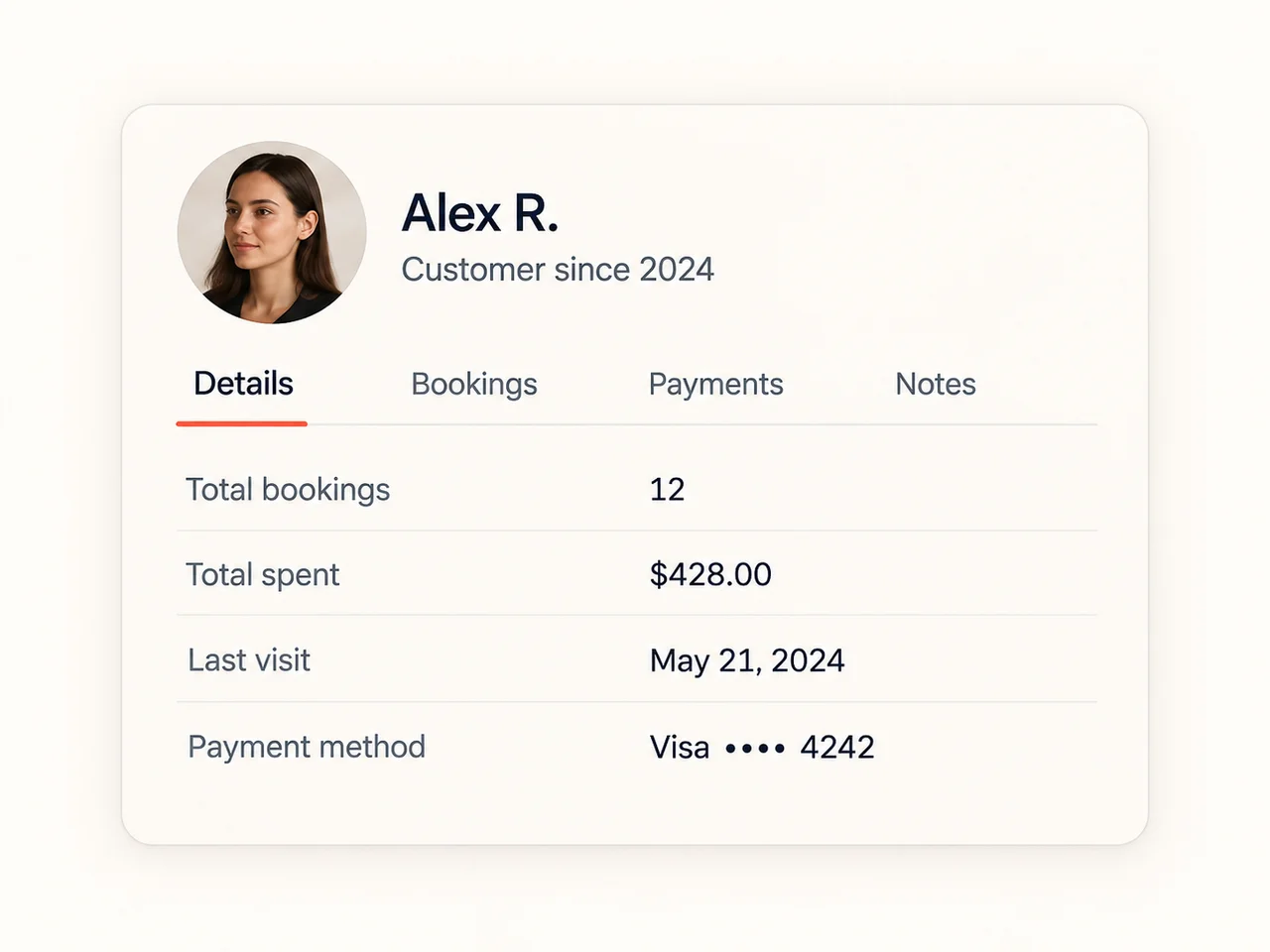
View notes, bookings, and payment history whenever you need it.
Helm adapts to the way you work — so you can focus on your customers, not the admin.


Helm brings the public and operating sides of a small business into one flow: customers discover the business, take action, become a useful record, pay or share details, and stay reachable for follow-up.
Explore Helm features by merchant operating module: websites, bookings, orders, forms, customers, invoices, payments, messages, follow-ups, reviews, and analytics.
Helm features fit when public pages, bookings, forms, orders, customers, invoices, payments, messages, reviews, and insights need to work as one owner-led operating flow.
Use Helm when features needs public pages, bookings or orders, customer records, invoices, receipts, follow-up, and daily visibility to stay connected in one workflow.
The feature architecture helps a buyer understand the whole operating system before they evaluate individual tools. Helm is strongest when the business wants fewer handoffs between public pages, customer action, records, money, and follow-up.
A feature is useful when it protects the next step. Helm groups features around the owner journey, so a booking, form, payment, or message does not become another disconnected tool to check.
The fit rule is simple: Helm works when customer action and business follow-up belong together. If the main problem is a narrow specialist workflow, keep the specialist and use Helm only where customer-facing context needs to connect.
Buyers do not need to read every feature page at once. Start with the module closest to the first customer action, then follow the connected module where the handoff currently breaks.
Clear boundaries make the feature set easier to trust. Helm should sit where customer-facing work needs better operating context, not where a specialist system already owns the deeper workflow.
Helm features are grouped by the merchant jobs they support: public presence, customer action, customer memory, money and documents, follow-up, and operating insight.
Use Helm when the first customer action should stay connected to the customer record, payment or document context, reminders, reviews, and the owner dashboard. Keep a specialist system when the main requirement is POS hardware, payroll, regulated records, dispatch, marketplace discovery, or deep vertical workflow.
No. Helm should sell connected operating outcomes first. Individual feature pages explain the specific capabilities that support those outcomes.
Start with the module where customers already take action: the website, booking page, form, order, invoice, or message thread. Then check which customer and follow-up context needs to remain visible after that action.
One connected workspace for bookings, payments, customers, and the work that happens after.
Let customers book, pay, and reschedule any time — no back-and-forth.
Take deposits, send invoices, and track what is paid, all in one flow.
Every customer’s history, preferences, and notes kept in one place.
Automated reminders and follow-ups that quietly cut no-shows.
See revenue, bookings, and what’s working at a glance.
Manage staff, schedules, and multiple locations from one workspace.
Take bookings, get paid, and keep customers happy — all in one place. Simple for you. Seamless for them.