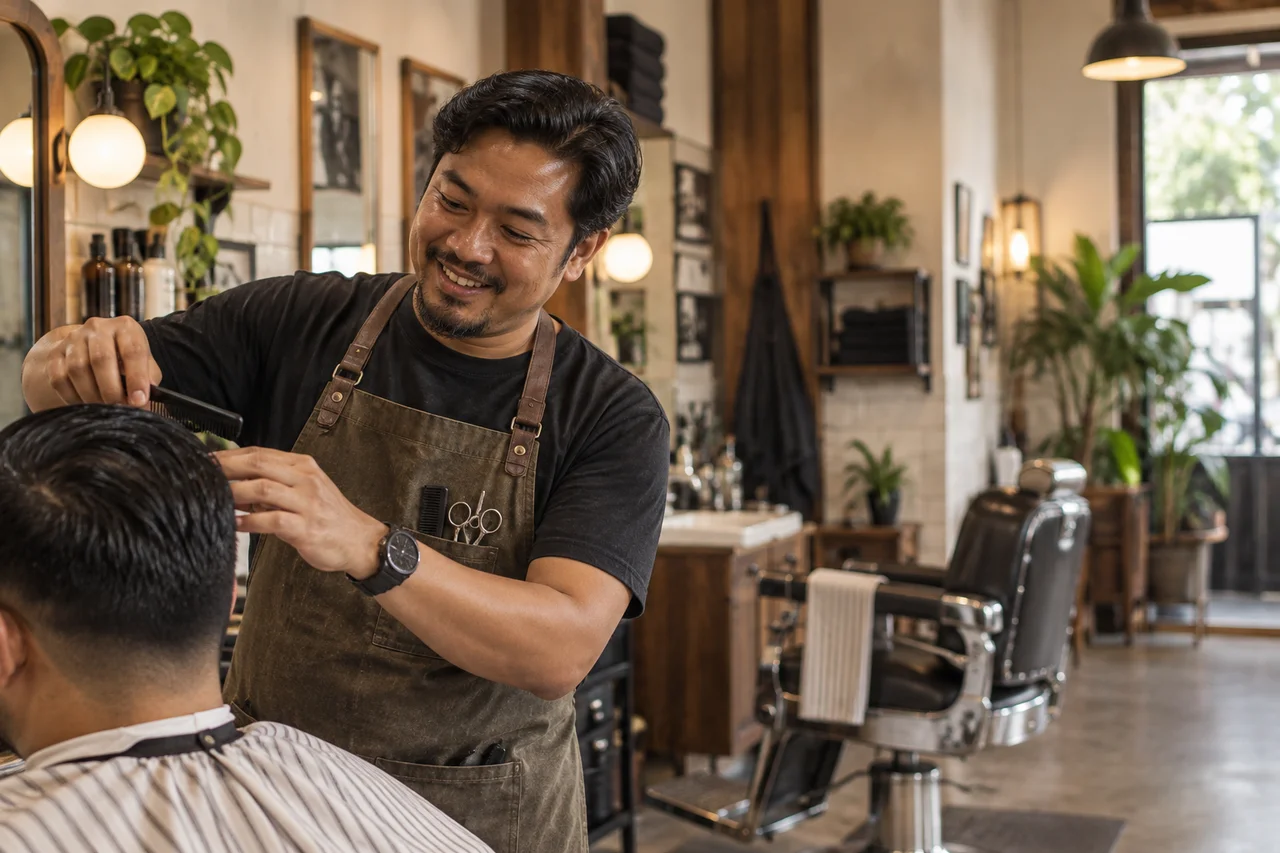
Comparison snapshot
| What matters | Walk-in plus chat only | Helm booking flow |
|---|---|---|
| After-hours booking | Handled in chat when staff can reply | Available as an online request outside staffed hours |
| Service menu | Explained manually | Shown on the booking page |
| Customer details | Manual recall | Stored automatically |
| Proof link | Usually none | Live public page |
Why the current flow leaks demand
Booking requests can arrive after hours or while the barber is busy with a customer. A public booking page gives the next customer a structured way to choose a service and request an available time without waiting for a chat reply.
What the barbershop page needs
That setup is enough to make the shop feel easier to book and more professional online.
- List each haircut clearly with price and duration.
- Share the booking link from Instagram, Google Maps, and customer chat.
- Use the booking record as the start of the customer history.
Barbershop-specific workflow
A barbershop booking flow needs more than generic scheduling copy. The workflow is mixed: walk-ins, regulars, Instagram traffic, repeat cuts, and short slots that need fast confirmation.
- Keep walk-ins, but use online booking for customers who plan ahead or browse after hours.
- Show service duration so customers understand why certain slots are unavailable.
- Use customer history for repeat preferences instead of relying on memory alone.
A booking benchmark
Use the Helm booking workflow guide as a benchmark. If your current booking flow is slower or harder to trust than https://gethelm.asia/booking-system-malaysia, it needs work.